FastAPI Niche Assistant
The FastAPI Niche Assistant is a small language model specialised in the FastAPI web framework, served as an OpenAI-compatible API with streaming, retrieval over the official documentation, per-user API keys, and an edge layer for rate limiting, caching and origin failover. It runs on free-tier infrastructure, and its release pipeline ships a new model only if it beats the current one on a held-out evaluation.
Try the live demo Source on GitHub
Status
The live service runs v2026.11.14-72d6b37, a LoRA fine-tune of
Qwen2.5-Coder-1.5B-Instruct quantized to GGUF. It scores 0.666 on the held-out set
against 0.546 for the previous release, a TinyLlama-1.1B fine-tune. It is a small
model and often wrong, so check its answers.
The model card has the evaluation and the
implementation status page has what is live.
Start here
-
Quickstart
Install the package, fetch the released model and serve the API on your own machine in a few commands.
-
Architecture
How a request travels from the edge Worker to the model, what runs where, and the decisions behind the design.
-
Operations runbook
Health checks, logs, metrics and the routine tasks: rotating secrets, deploying code and model releases.
-
Security
How to report a vulnerability privately, which versions receive fixes, and the risks that are accepted.
-
Model card
The served model, its training data, evaluation results, intended use and known limitations.
-
Contributing
Development setup, the checks every pull request must pass, and the rules that protect the evaluation.
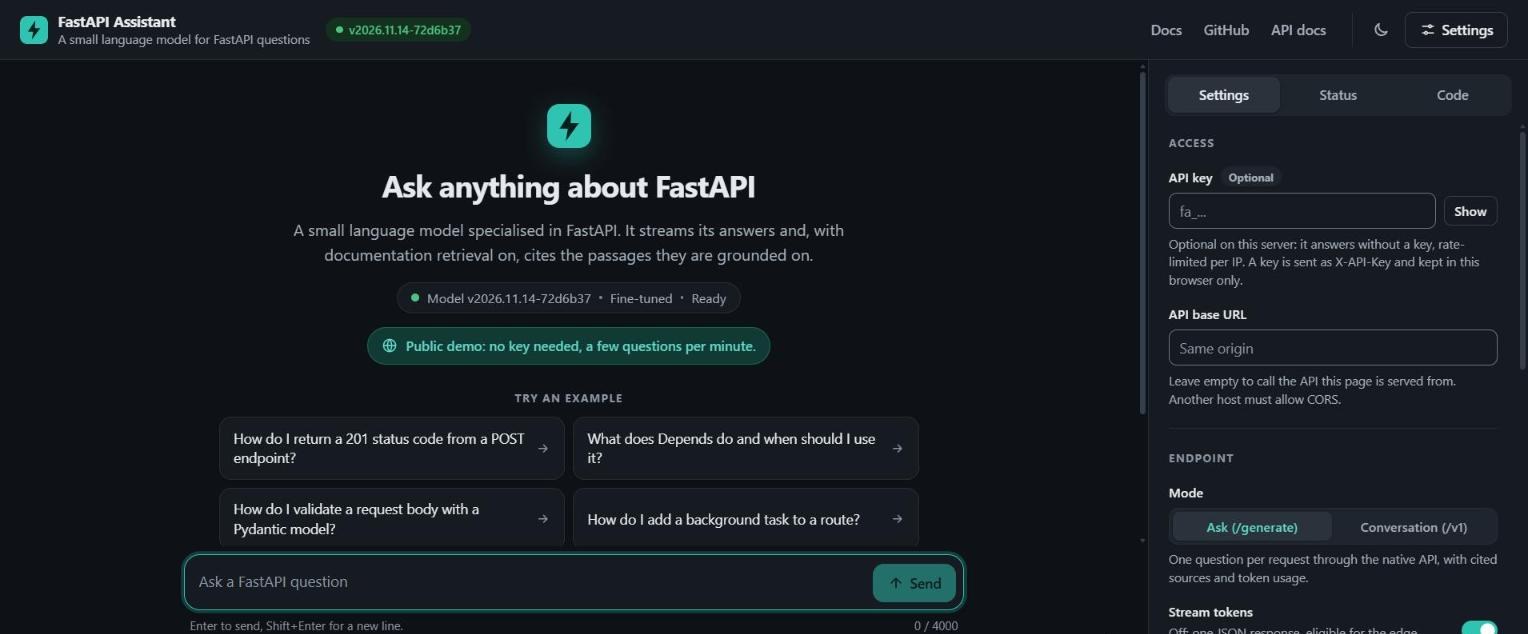
The web UI